MyPass
Your ticket to the mountain
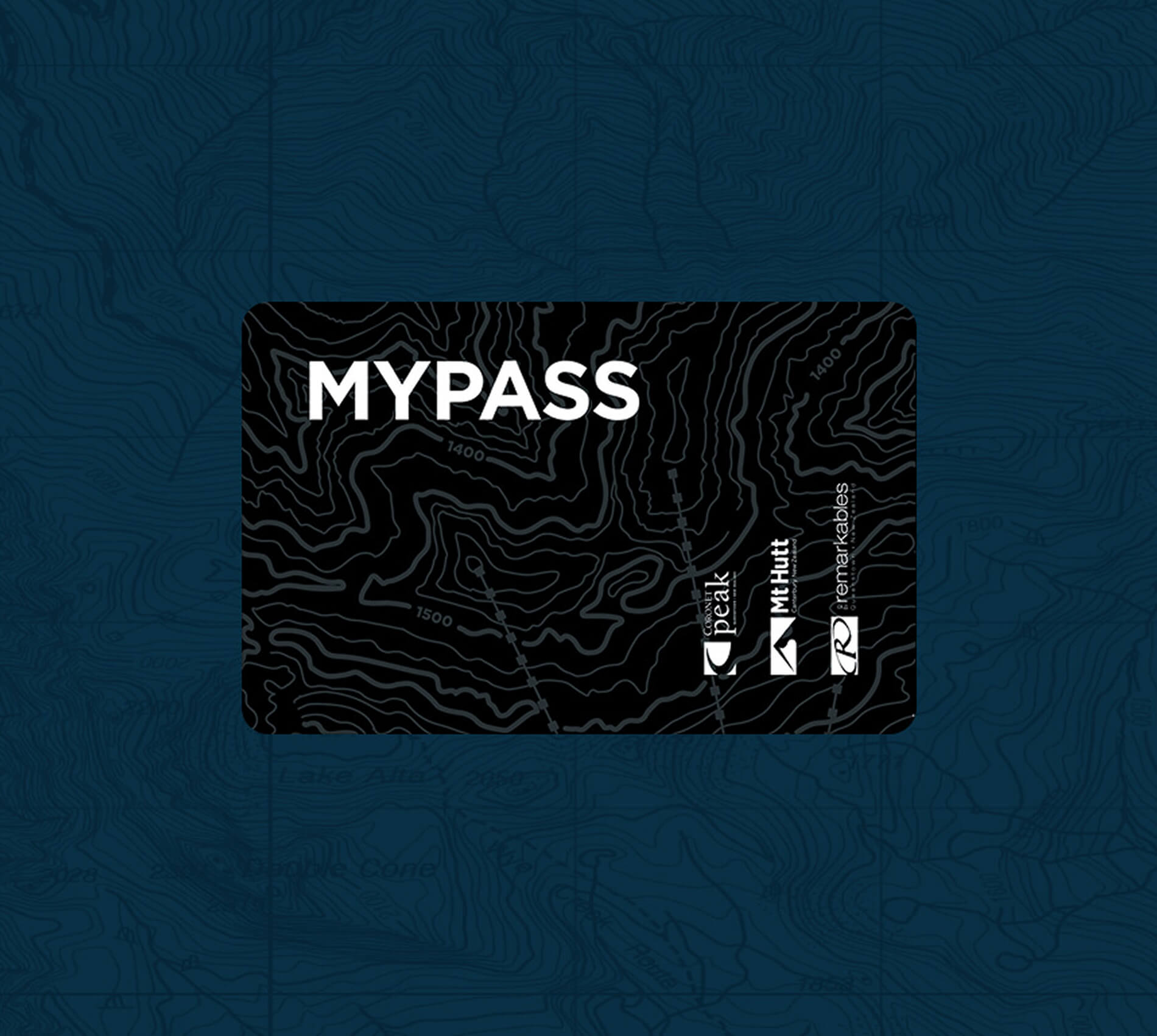
You’ll need a MyPass card to hit the lifts at The Remarkables. It’s your key to the mountain - lifts, rentals, lessons and even the Queenstown Ski Bus.
It’s about the size of a credit card with an RFID chip inside to let you access the lifts & your other products. Slip it into your ski jacket sleeve pocket and you’re good to go.
Keen to track your laps? Register your MyPass online and keep an eye on your stats, you might even top your mates on the leaderboard.
WHere to get one
You can collect your MyPass card from our Snow Centre in central Queenstown (25 Shotover Street), from a kiosk or Guest Services on the mountain. Don’t forget to bring your confirmation email with you, along with some photo ID, like a driver’s licence or passport.
Your MyPass card is yours for life, making it easy for you to ski at any of our three ski areas at any time. Hold on to it and save yourself a visit to Guest Services next year!
Guest Services
Swing by the team at Guest Services and they’ll sort you out with products and print your MyPass cards.
Self Service Kiosk
Bought online? Skip the queue and head to the kiosks near Guest Services and have your order confirmation ready on your phone with the barcode visible.
Scan the barcode and boom – your MyPass card prints, already loaded with your pass, rentals and lessons. If you’ve purchased for multiple people in one transaction, the kiosk will print MyPass cards for everyone in your group.
Already got a MyPass card?
If you've got a MyPass card from previous years, make sure your products are loaded by logging into your online account. Then you’re good to go - no need to stop at Guest Services.
Getting Photo Verified
Your MyPass card is your key to the mountain. Use it to access lifts at Coronet Peak, The Remarkables, and Mt Hutt, plus rentals, lessons, and the Queenstown Ski Bus—depending on what you’ve booked.
You can also load MyPass Money and use your card to pay for food, drinks, and more on the mountain. We’re cashless, so it’s an easy option for kids’ lunches or grabbing a coffee without digging for your wallet.
Register your MyPass account online to keep track of your days on snow, see what you’ve purchased, and check out your skiing and riding stats. Because everyone loves a little friendly competition.


how to share and view your stats
Your MyPass account keeps track of your days on the mountain, including runs per day, vertical metres skied, and seasonal stats. You can view everything in the 'My Stats' section of your account.
If you want to compare results with friends or family, add them under the ’Associates tab’ and make sure Share my statistics is selected in Customer Info. It’s an easy way to keep tabs on your progress and settle a few friendly rivalries along the way.
How to use mypass money
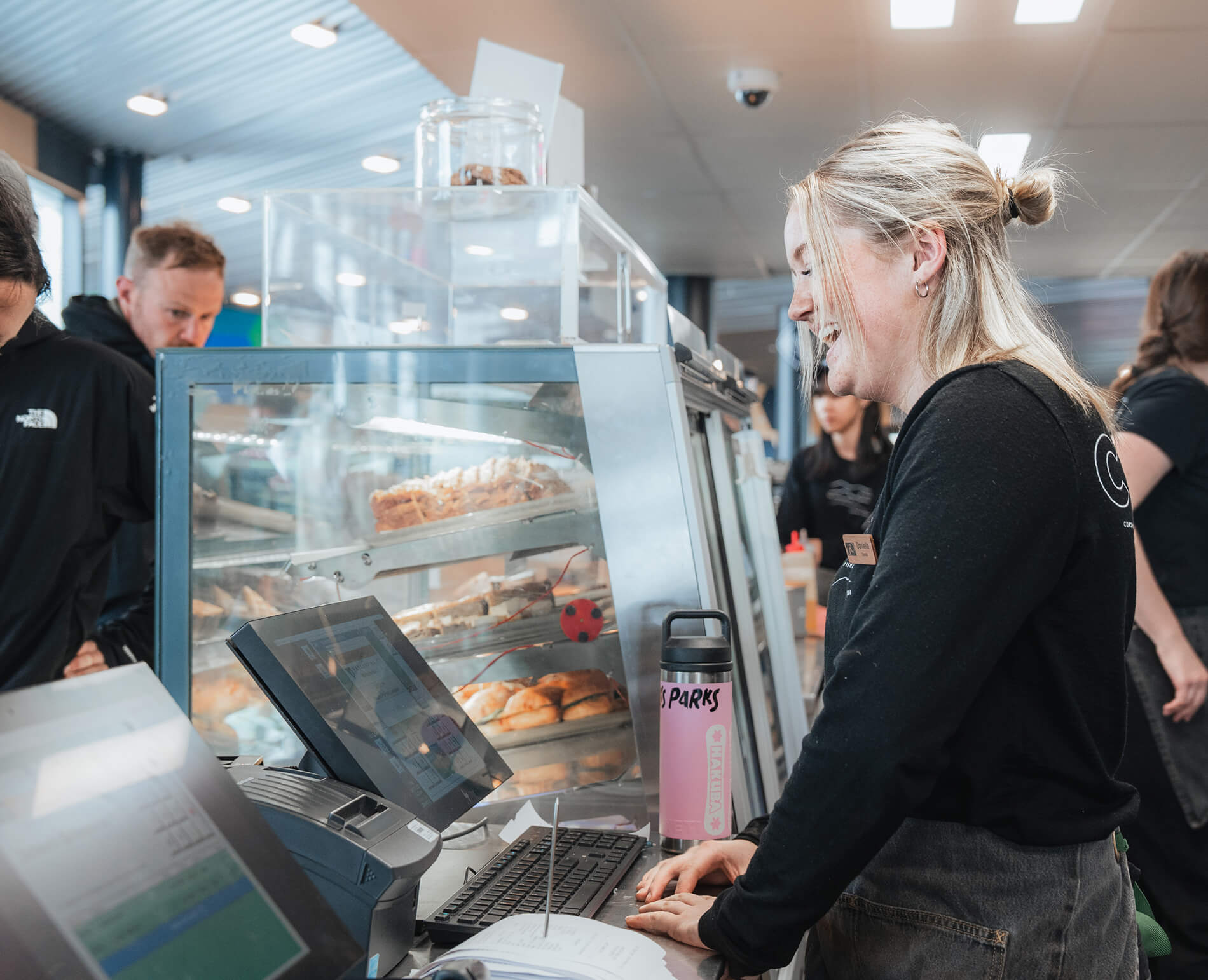
Your MyPass card can double as your on-mountain debit card. Just load MyPass Money using your credit card at Guest Services, either on the mountain or at our Queenstown Snow Centre (25 Shotover Street), and you’re good to go.
Activate MyPass Money
Drop by any Guest Services desk to activate MyPass Money and set up your personal PIN. Your PIN keeps things secure, just like a regular debit card.
Add funds
Top up your MyPass Money anytime at Guest Services using your credit card.
Pay on the mountain
Use your MyPass card to pay for food, drinks, and more across all our ski areas. Let the team know you’re using MyPass Money, enter your PIN, and you’re sorted.
Simple, secure, and one less thing to carry.
faqs
All of your products will be loaded to your MyPass Card. This is essentially your ticket to the mountain, to access the lifts at Coronet Peak, The Remarkables or Mt Hutt you will need a MyPass Card assigned to your profile with your products loaded onto it.
Skied with us before?
• Great, welcome back! If you already have your MyPass card, you can use this again to access our lifts, pick up your rentals, or to join your Snowsports lesson.
Purchased online?
• You can collect your MyPass Card by scanning the barcode in your confirmation email at one of our Kiosks or by visiting Guest Services.
• Using the Kiosk: Simply scan the barcode in your confirmation email and the Kiosk will print your MyPass card - from there you can head straight to the lift.
Queenstown Snow Centre:
• If you're planning to visit Coronet Peak or The Remarkables in Queenstown, we recommend you collect your MyPass card in advance at The Snow Centre at 25 Shotover Street.
We recommend you collect your MyPass Card the day before you head up the mountain from the Queenstown Snow Centre to skip any queues.